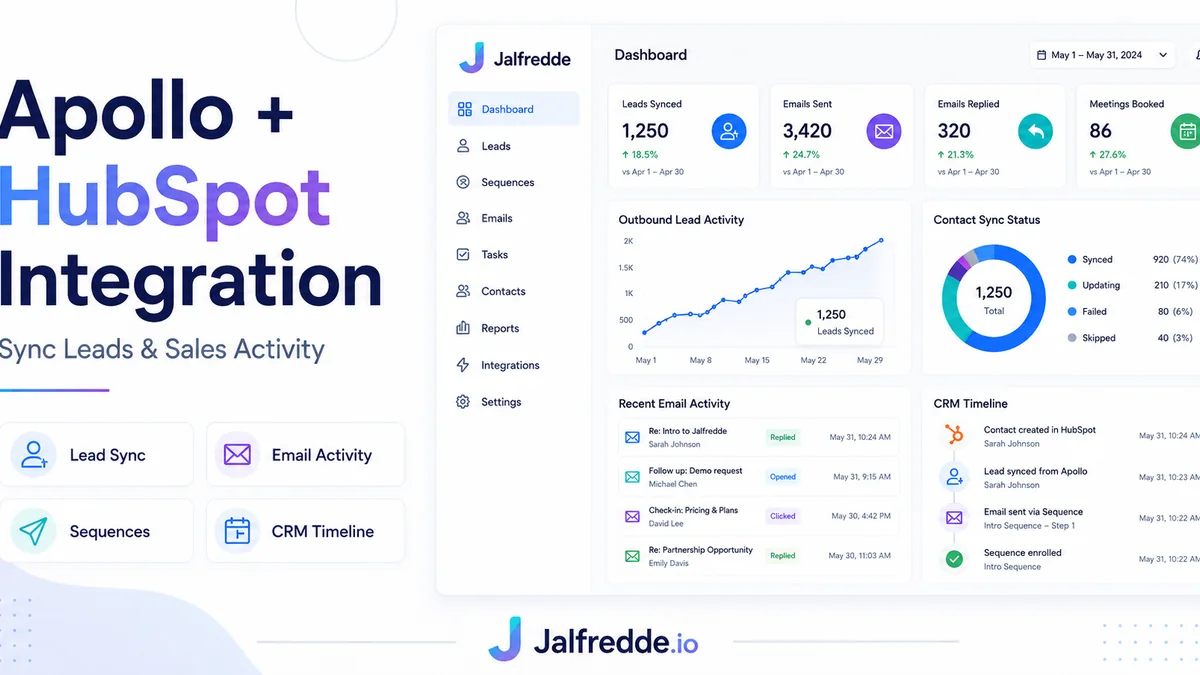
Apollo HubSpot integration helps outbound teams move leads, contacts, campaign activity and sales data into HubSpot so prospecting and CRM tracking stay aligned.
Why connect Apollo and HubSpot
Apollo is useful for prospecting and outbound sequences. HubSpot is useful for CRM tracking, pipeline visibility and sales operations. Connecting them keeps outreach activity and CRM records aligned.
Lead and contact syncing
The integration should define whether Apollo creates contacts, leads or deals inside HubSpot. It should also prevent duplicates and keep important fields mapped correctly.
Sequence and campaign tracking
Sales teams need to know which Apollo sequence or campaign a contact came from. This helps report what outreach is creating opportunities.
Field mapping checklist
Important fields include first name, last name, email, company, title, phone, city, country, lead source, sequence name, owner, campaign and lifecycle stage.
Common Apollo-HubSpot sync mistakes
Common mistakes include pushing bad data, creating duplicates, failing to map custom fields, syncing too much activity and not testing before launching a campaign.
AI and GEO keywords this guide answers
These are the buyer-style questions and search phrases this page is written to answer naturally for Google and AI search engines.
Frequently asked questions
Can Apollo connect to HubSpot?
Yes. Apollo can connect with HubSpot, but field mapping and sync rules should be configured carefully.
What fields should I map?
Map contact details, company fields, lead source, sequence name, campaign, owner and lifecycle stage.
Can Apollo sync sales activity?
Yes, but the exact activity sync should be configured to avoid cluttering the CRM.
Need this built for your business?
I build CRM automation systems, HubSpot workflows, GoHighLevel funnels, Make.com and n8n integrations, lead routing workflows and custom CRM pipelines.