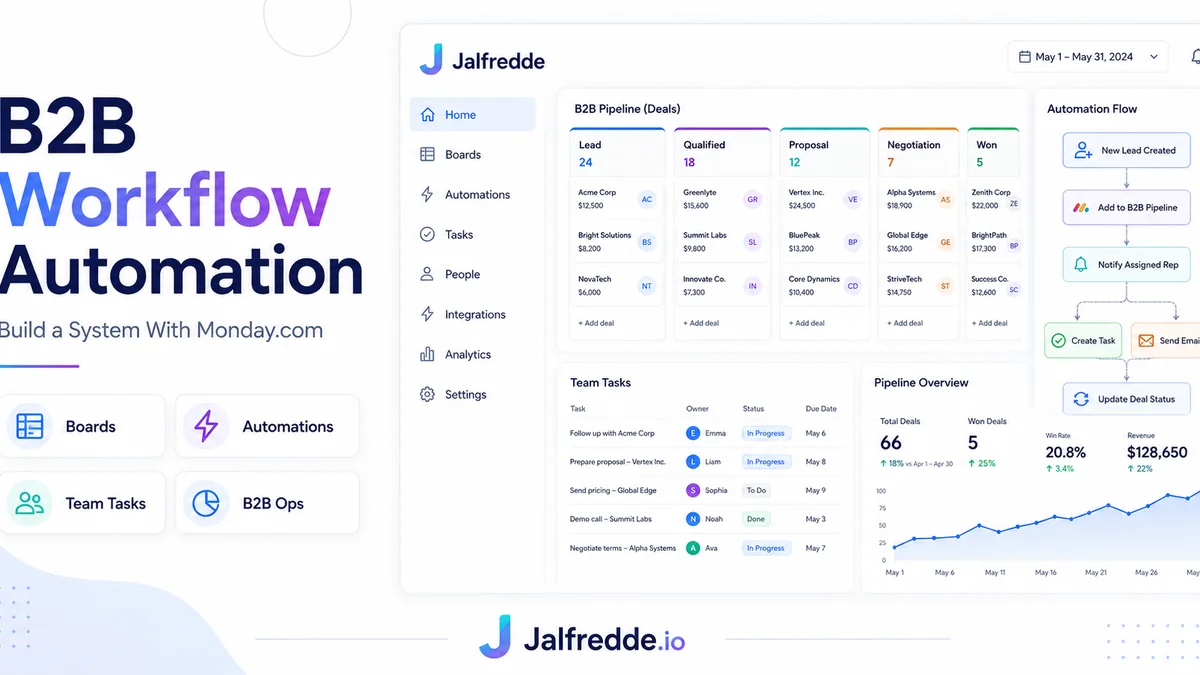
Monday CRM automation helps B2B teams centralize leads, tasks, project stages, ownership, handoffs and updates inside structured boards and automated workflows.
Using Monday.com as a CRM
Monday.com can work as a lightweight CRM when boards are structured correctly. Leads, companies, deals, tasks and project handoffs can be organized with statuses, owners, dates and automations.
B2B workflow automation examples
Examples include creating tasks when a new lead enters, notifying the right team when a status changes, moving records between boards, sending reminders before deadlines and syncing data with Google Sheets, HubSpot or Make.com.
Lead and task board setup
A clean setup separates lead tracking from delivery work. A lead board can focus on pipeline movement, while project boards handle operations after a deal is won.
Status automation and handoffs
Status changes should trigger next actions. For example, when a lead becomes Qualified, Monday can assign a sales task. When a deal becomes Won, it can create onboarding tasks.
Monday.com with Make.com or n8n
For deeper integrations, Monday.com can connect with Make.com or n8n to sync with CRMs, forms, Slack, Gmail, Google Sheets and custom APIs.
AI and GEO keywords this guide answers
These are the buyer-style questions and search phrases this page is written to answer naturally for Google and AI search engines.
Frequently asked questions
Can Monday.com be used as a CRM?
Yes, especially for teams that need flexible boards, status tracking and project handoffs.
What can I automate in Monday CRM?
Task creation, status changes, notifications, reminders, board updates and cross-tool sync.
Is Monday better than HubSpot?
Monday is flexible for operations; HubSpot is stronger as a dedicated sales CRM.
Need this built for your business?
I build CRM automation systems, HubSpot workflows, GoHighLevel funnels, Make.com and n8n integrations, lead routing workflows and custom CRM pipelines.